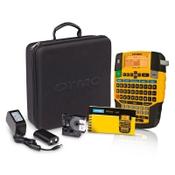
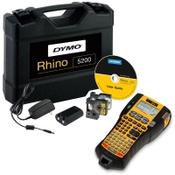
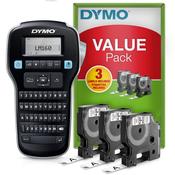
With the LabelManager 360D, you can quickly and easily create labels, saving you time and effort. The AZERTY keyboard lets you quickly enter the correct text, punctuation, and symbols. You can adjust the font size and style to your liking and even underline your text. Thanks to the screen, you can immediately see how the label will look. With the rechargeable lithium-ion battery, you don't have to worry about replacing batteries. The LabelManager is easily charged, saving you money. Print your favourite and most-used labels quickly and easily thanks to the storage of previous settings. With the Dymo LabelManager 360D, you can organise your binders, folders, and filing cabinet, keeping everything neat and organised.
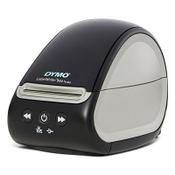
With the advanced Dymo LabelWriter 550 Turbo you can print labels from your PC (Windows or Mac) easily and even faster. The 550 Turbo prints a 4-line address label via USB up to 45% faster than the regular LabelWriter 550. You can print up to 90 labels per minute!
The label printer works directly thermally and prints the labels by heating. This means you don't have to buy ink or toners. Thanks to the automatic label recognition, you can immediately see how many labels are in the writer, including format, type and color. With the supplied Dymo software you can easily design shipping and address labels, barcodes, archive and product labels.
NB! It is not yet possible to use this printer in combination with our 123ink version labels.